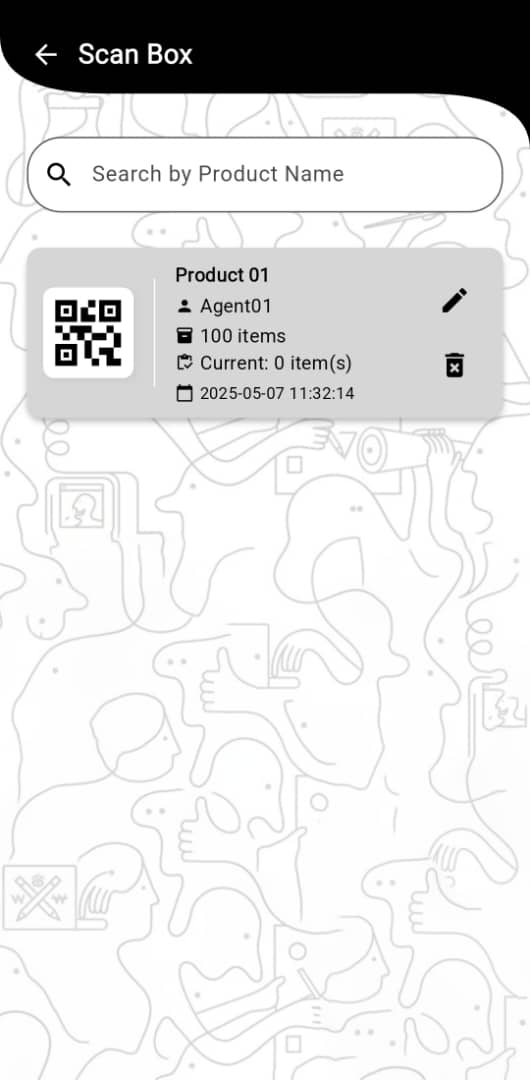
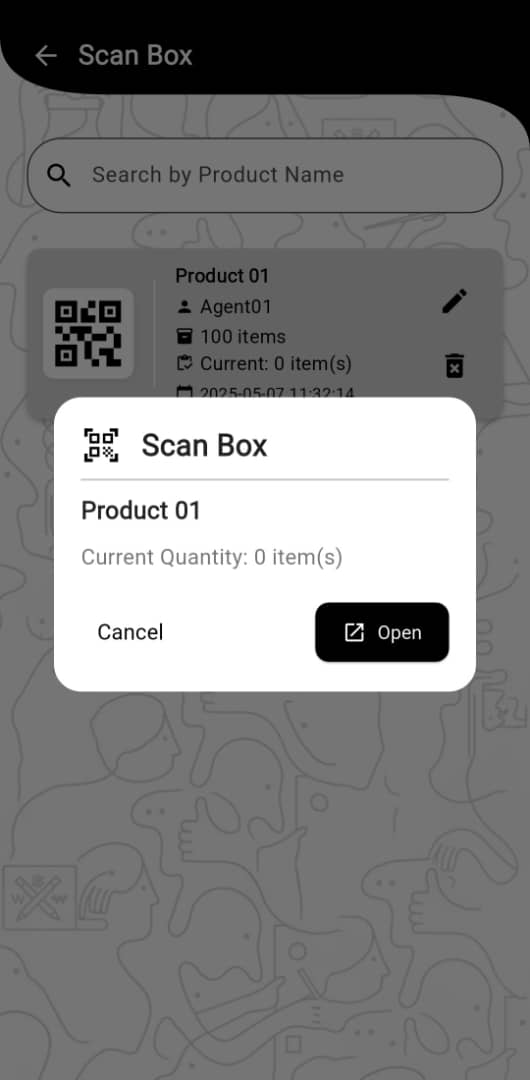
📦 What is a QR Box?


A QR Box is a container you create in the app. It has a unique QR code so your team can scan once to open box details, add products, and verify contents quickly—perfect for batching, packing, and shipments.


1
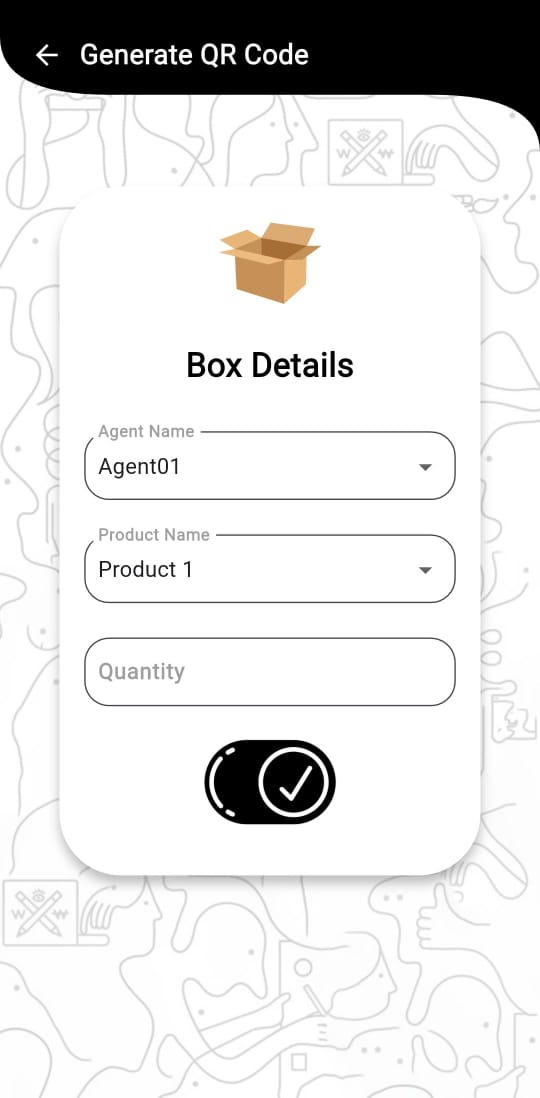
Create a Box

Select the agent name and the product name, then enter the quantity. Click the button to generate a QR code for the box.

2
Scan Box List

The generated QR code will be displayed on the screen in the scan box list. You can also edit the quantity of the box or delete it.

3
Open Box

Click on the card to open the box details. You can add items to the box.

List of the generated QR boxes
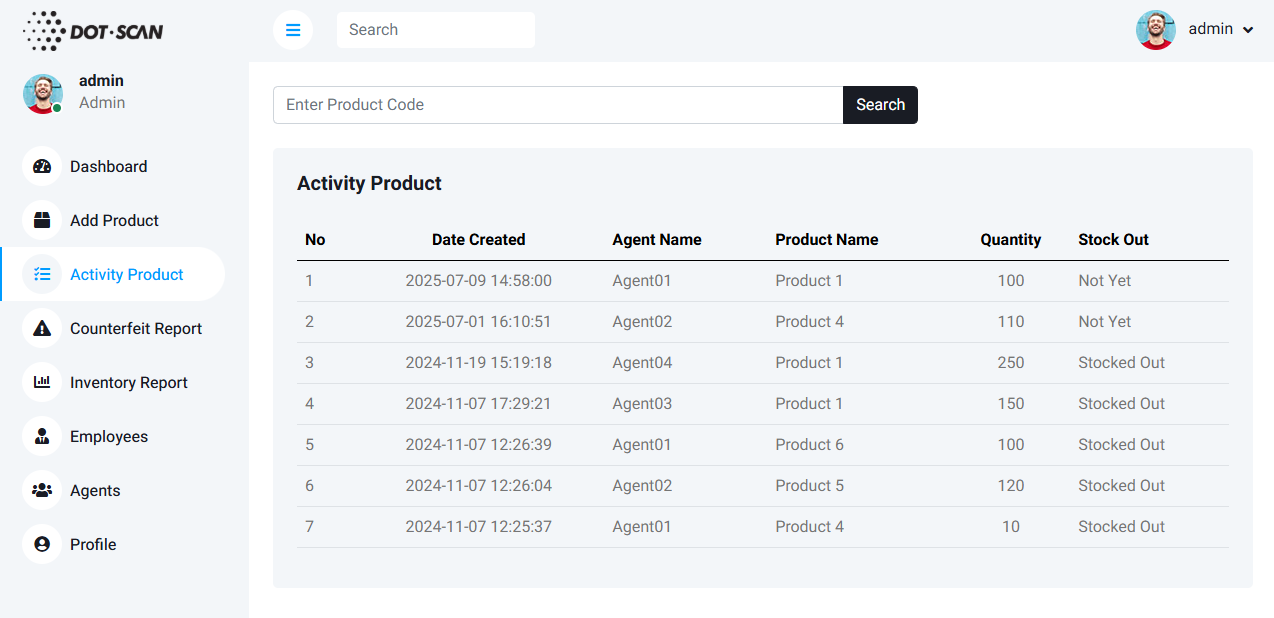

Geolocation data placeholder

* This is a placeholder image. Your dashboard will show the list of generated QR boxes with product codes, timestamps, agent's name, quantity and status.

App Sample

Recent alerts placeholder

* This is a placeholder image. The app will show you the list based on the data you stored in the database.

🚨 Why Us?


Faster packing

Scan once to register an entire box of items.

Cleaner tracking

Track movement at the box level to see batch performance.

Fewer errors

Reduce mix‑ups when shipping multiple batches.